
Windows / macOS

Kataribe
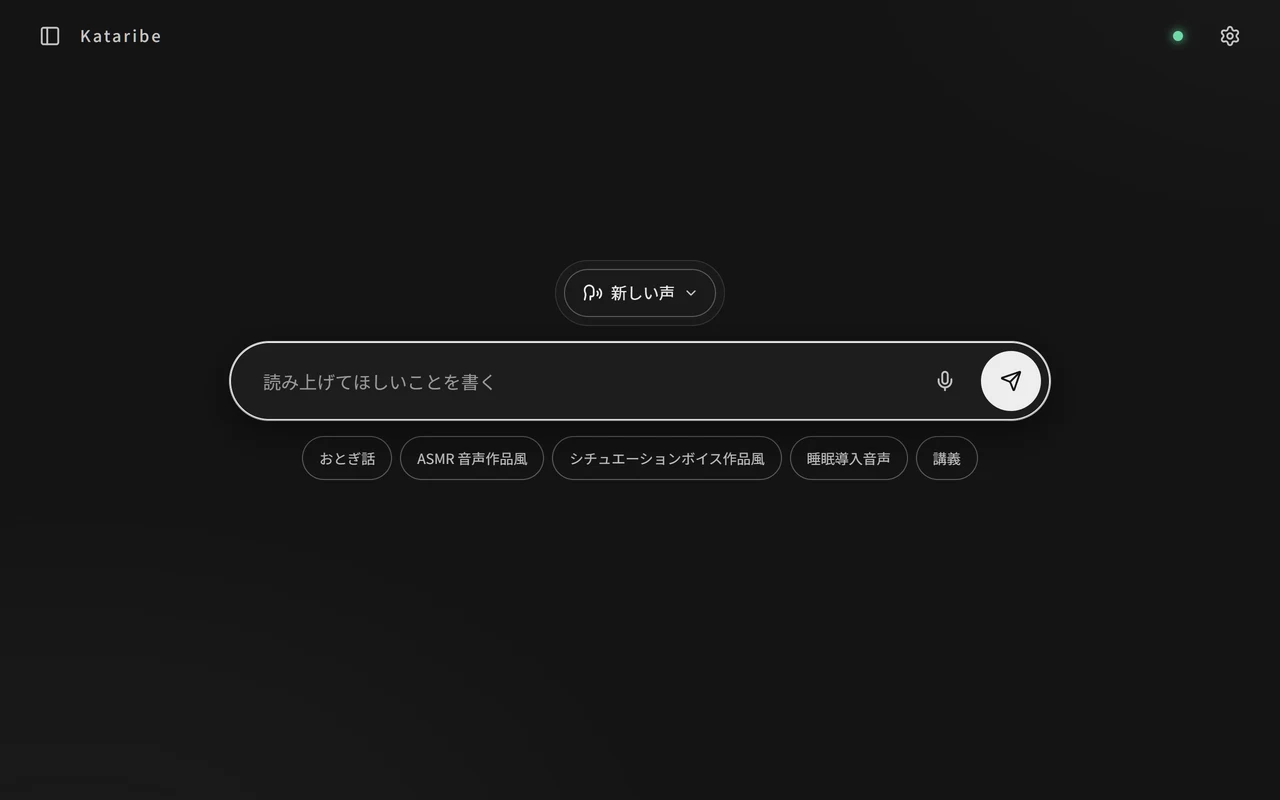
News explainers, bedtime stories, background chatter while you work. Ask for it in one line and Kataribe keeps talking until you stop it. An LLM writes the script, and the voice is generated on your own PC.
Features
Keeps talking until you stop it
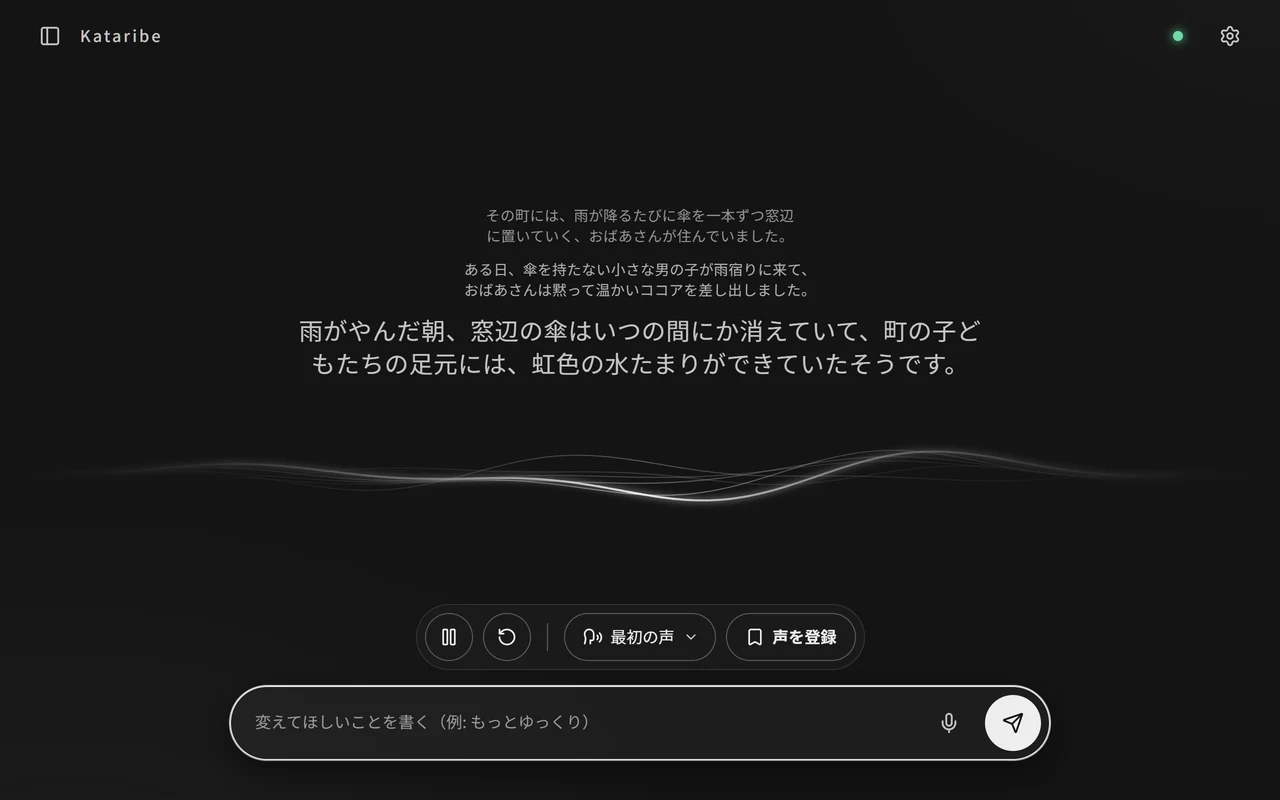
Ask for a news rundown, a story to fall asleep to or some radio-style chatter, and it starts on its own. Send a line like “slower, please” partway through, and the story and the delivery change on the spot.
Describe the voice in words
Write “a calm, soothing woman” or “a clear newscaster” and it speaks that way. Name a voice you like to save it, and call it up again any time.
Pick up where you left off
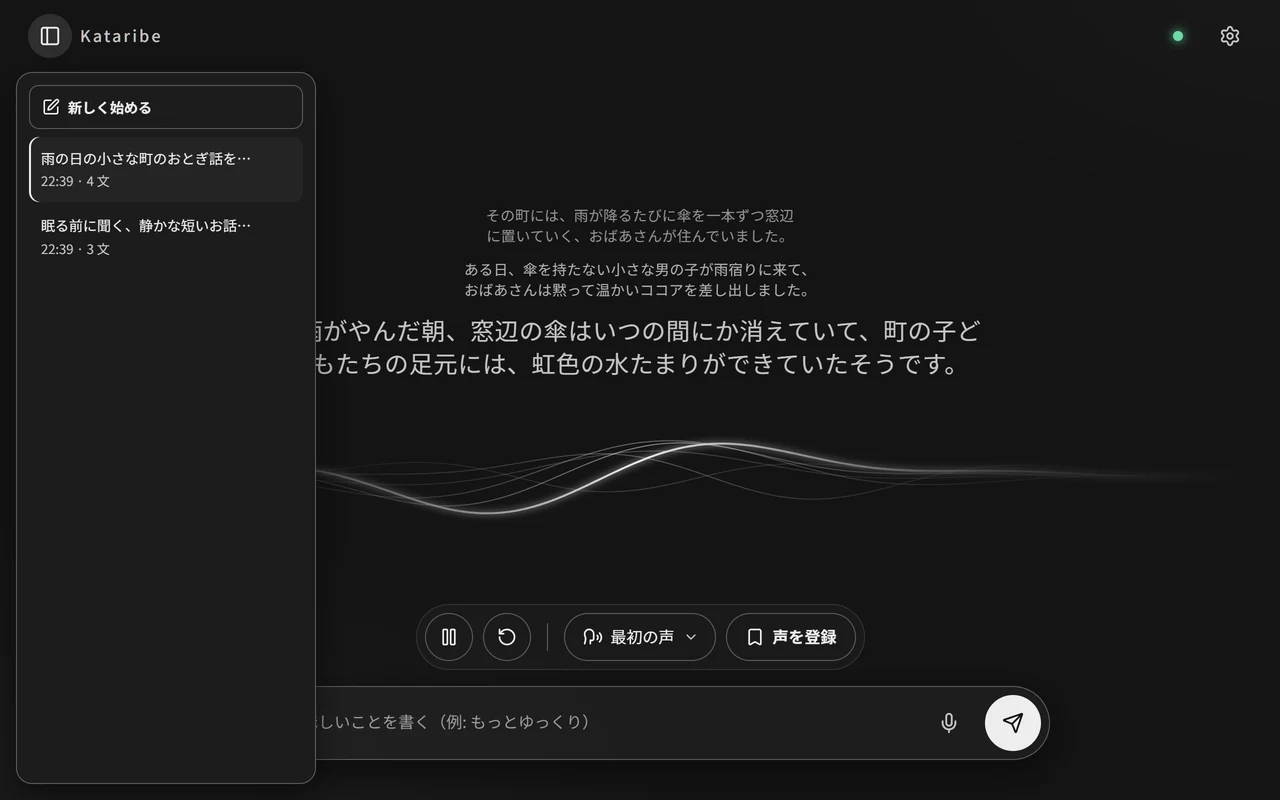
Past conversations stay in a list. Resume any of them with the same saved voice.
Choose the AI that writes
Pick LM Studio, Claude Code or Codex. With LM Studio, everything runs on your PC, so it costs nothing.
Voice models
Switch the model that generates the voice in the settings.
Irodori-TTS
Japanese
The default model. Create a voice from a written description and save it.
Qwen3-TTS
10 languages, including English, Chinese, Japanese and Korean
Choose from 9 built-in voices such as aiden, ryan and serena. Directions like “slowly” or “low and calm” are applied.
Drama 3
83 languages
Create a voice from your own recording and have it speak. Not for commercial use. The model is about 20.8 GB.
Screens
Get started
Windows
git clone https://github.com/ADA-Software-JP/kataribe
cd kataribe
python -m pip install -r requirements.txt
python server.py
macOS
git clone https://github.com/ADA-Software-JP/kataribe
cd kataribe
python3 -m venv .venv
source .venv/bin/activate
python -m pip install -r requirements.txt
python server.py
Build an app (optional)
python -m pip install pyinstaller
python -m PyInstaller --noconfirm --clean Kataribe.spec
To launch Kataribe as a standalone app instead of from Python, you can build it yourself. Windows creates dist/Kataribe/, and macOS creates dist/Kataribe.app.
Requirements
- Supported OS: Windows and macOS (Apple Silicon)
- Python 3 is required
- The voice is generated on the GPU. On an NVIDIA RTX 3060, a few seconds of speech takes about 0.5 seconds.
On first launch, the setup screen downloads the speech engine and the default voice model (about 1.9 GB) automatically.
Licensed under Apache License 2.0. Each voice model follows its own license.